Start here
 New Series
 Just Added
 New Series
 New path
 Real examples
Your first browser game
Follow one clear beginner path: setup, game loop, drawing, movement, and collision.
- Setting up your VS Code environment
- Understanding the Game Loop
- Drawing your first shape on Canvas
Build a project
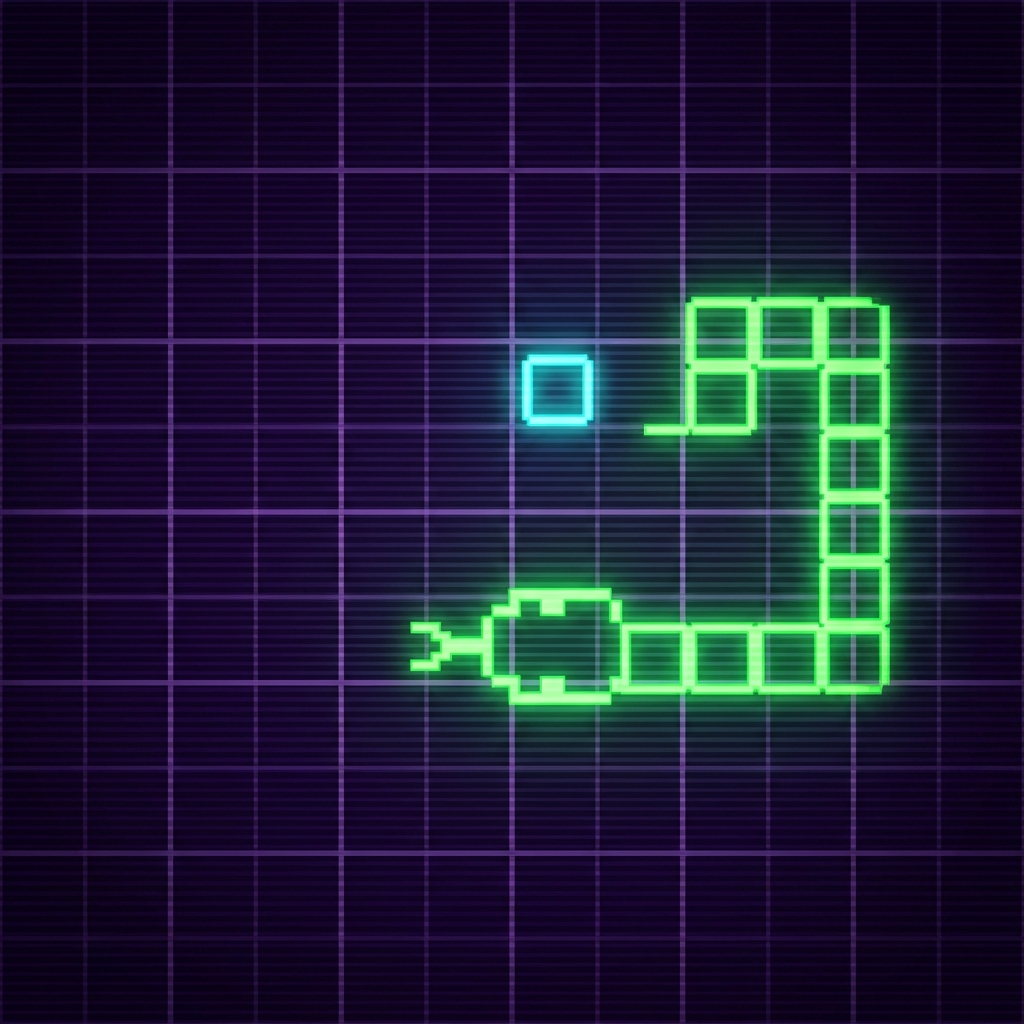
Use Snake, Breakout, and a platformer plan to turn lessons into a game.
snake.forEach(s => {
ctx.fillRect(s.x, s.y, 20, 20);
});
Code & tools
Browse reusable snippets, then test ideas immediately in the playground.
51 Snippets
New Series
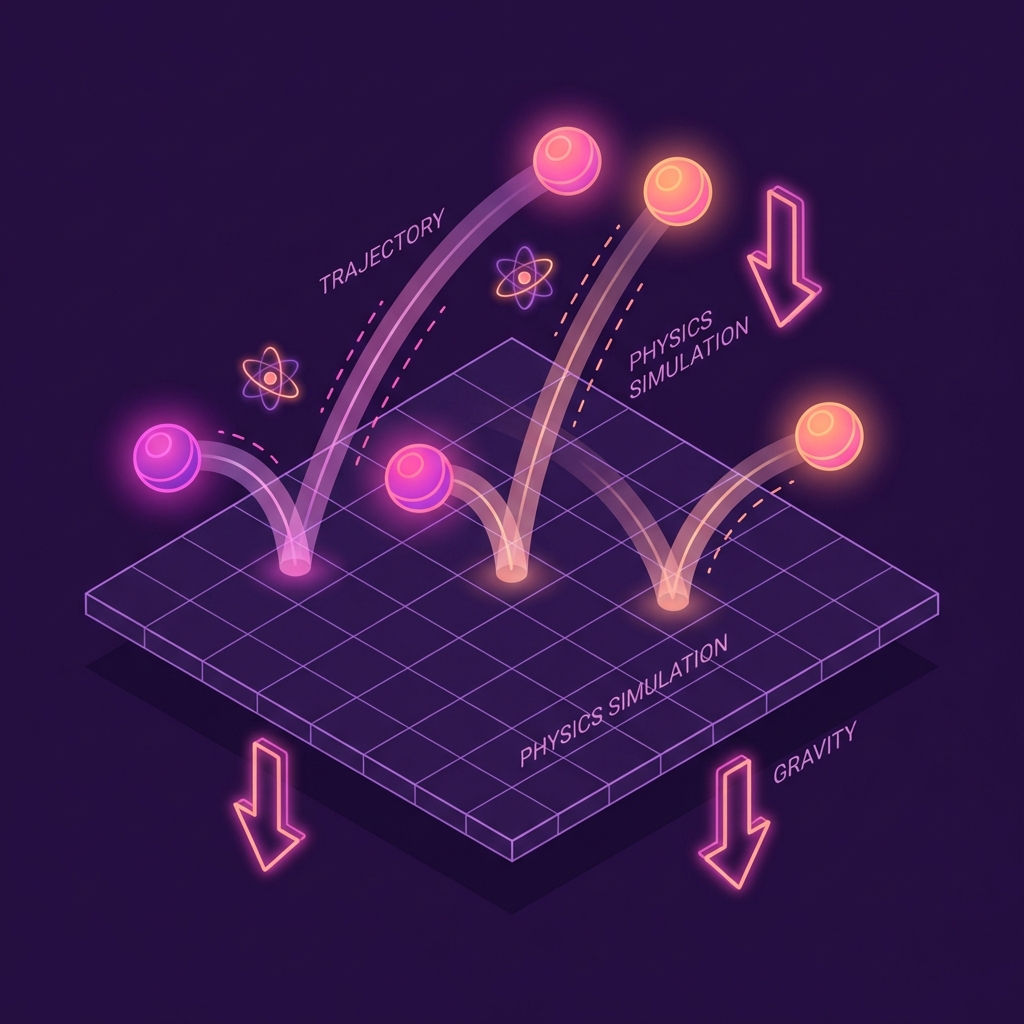
Game Physics
Velocity, gravity, collisions, and particles.
Just Added
Animation
Easing functions, screen shake, and flashy effects.
New Series
Game AI
State machines, pathfinding, and smart enemies.
New path
AI + Blender / Unity
Use an AI agent with Blender MCP and Unity CLI to inspect a scene, export glTF, and run a headless build.
NewAudio Engine
Synthesizers, scheduling, and dynamic sound effects.
Real examples
Game case studies
See the lessons, playable games, and build notes connected in one place.
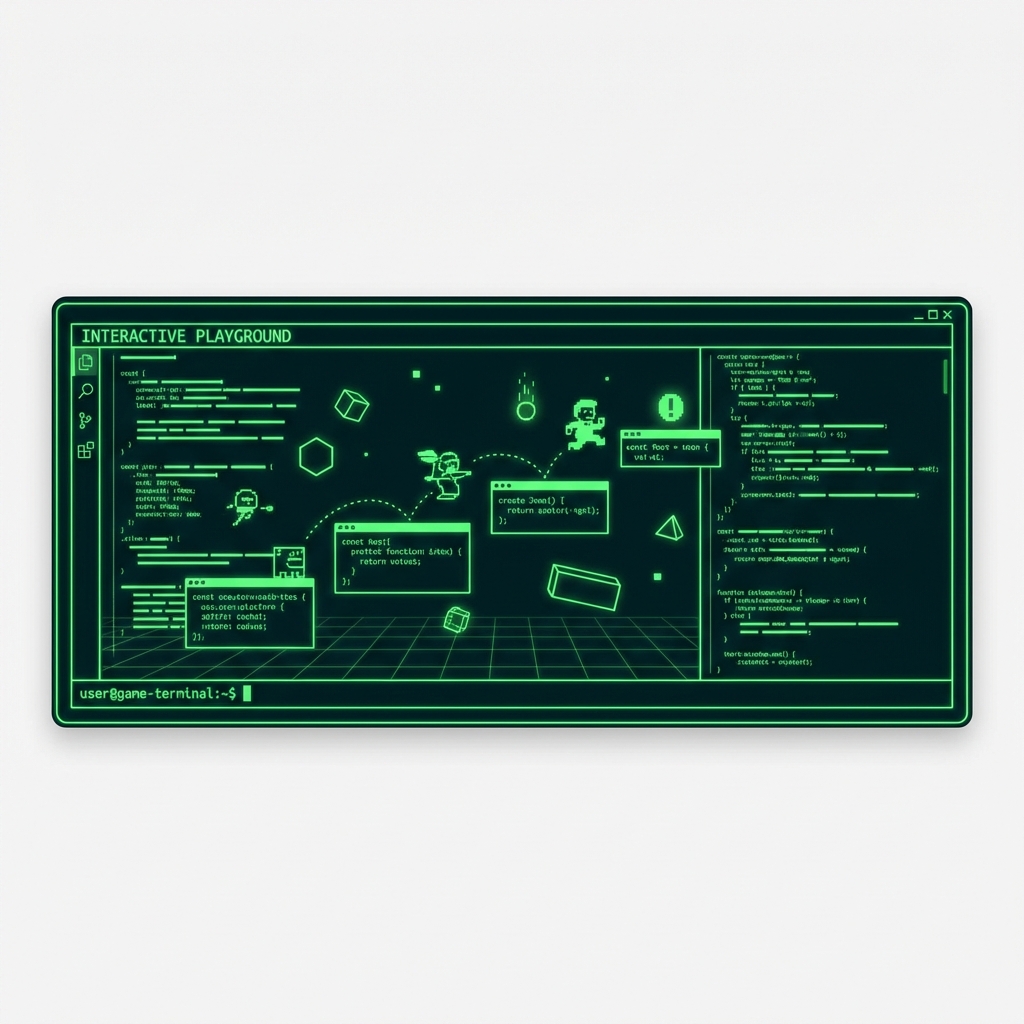
Playground
Write game code in your browser and run it instantly.
Live Beta