Home / Learn / HTML5 Games

What Are HTML5 Games?

HTML5 games are browser games that run with modern web technology. You open a page, the game loads inside the browser, and you can play without Flash, an app store, or a separate installer.

Simple Definition

An HTML5 game is a game built for the modern web. The page can show graphics, play sound, read keyboard or touch input, save local progress, and run game logic without asking the player to install a separate program.

That is why HTML5 games work well for quick browser sessions, Chromebook play, school-style laptops, and mobile devices.

Why No Download Is Needed

  • The browser already understands the page, graphics, audio, and input controls.
  • Game files load like normal website files.
  • Progress can be saved in the browser when the game supports it.
  • Updates happen on the website, so players do not need to install patches.

Common HTML5 Game Types

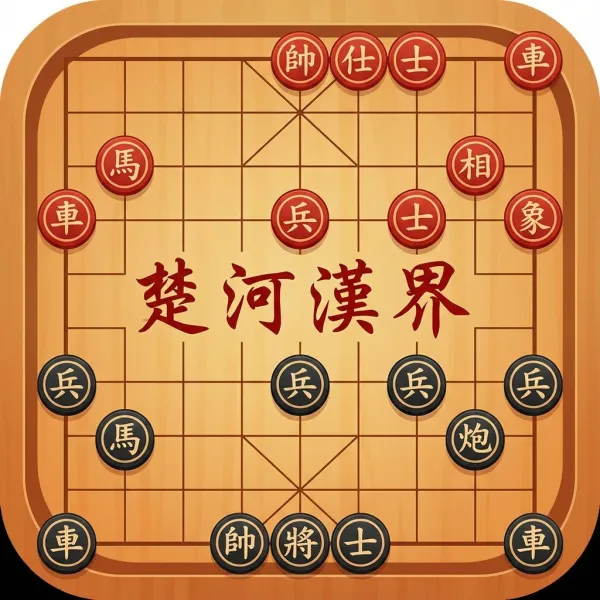
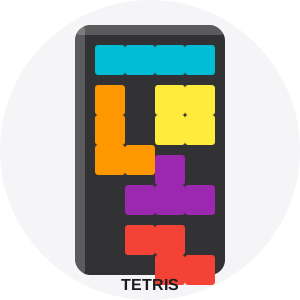
HTML5 can power simple arcade games, puzzle games, board games, racing games, card games, and larger Canvas or WebGL experiences.

What Makes a Good Browser Game?

  • It explains the goal quickly.
  • It works with keyboard, mouse, trackpad, or touch.
  • It does not hide the game behind an account wall.
  • It loads fast enough for short sessions.
  • It gives the player a reason to come back.

Before you continue

Direct answer: An HTML5 game is a game that runs in a modern browser using standard web features such as Canvas, audio, input events, and storage.

What you need first

Basic HTML and JavaScript.

After this lesson

You can explain the idea, change the supplied example, and choose the next related lesson.

When to use it

Start with Canvas when you need a custom 2D playfield; use ordinary HTML when the game is mainly forms, text, or cards.

Common mistake

Expecting Canvas to provide gameplay rules for you; it only provides a drawing surface.

Try it and check it

This lesson includes its runnable example or code experiment above. Change one value, run it again, and confirm the visible result changes before moving on.

Real game connection

Play Snake after this overview.

Compatibility: Test in a current Chrome, Firefox, Safari, or Edge browser. Canvas and standard input work broadly in current browsers; audio still needs a user action.

Source and update

Reviewed against MDN Web Docs. Updated 2026-07-14. This page does not claim performance results beyond the local example check.