What you need first
Blender 3.0+, Python 3.10+, and the uv installer so your MCP client can see the uvx command. A saved .blend file you can afford to break.
Lesson 1 · Blender
Direct answer: Run Blender with the community MCP addon, point Claude / Cursor / Codex at uvx blender-mcp, then ask the agent to inspect the scene or write Python. For CI and repeatable exports, skip MCP and call Blender’s official background CLI.
Blender 3.0+, Python 3.10+, and the uv installer so your MCP client can see the uvx command. A saved .blend file you can afford to break.
You can start the socket, list objects, create a crate, and export glTF for a Canvas / Three.js game without clicking Export.
| Job | Use | Why |
|---|---|---|
| Explore a messy scene with an agent | Blender MCP | The agent can look, screenshot, and iterate while Blender stays open. |
| Export the same prop every night | Official CLI blender -b file.blend -P export.py | No socket, no LLM, same result in CI. |
| Generate a one-off dungeon blockout | MCP, then save and export with CLI | Keep the risky Python in a short chat; freeze the result as a script. |
The current community standard is ahujasid/blender-mcp (MIT, blendermcp.org). It is not a Blender Foundation product. It installs two pieces: an addon that opens a socket inside Blender (default port 9876), and a Python MCP server your agent talks to.
pip install uv. GUI clients like Cursor do not see a terminal-only PATH.addon.py from the repo. In Blender: Edit → Preferences → Add-ons → Install, enable Interface: Blender MCP.claude mcp add blender uvx blender-mcp. Cursor / Claude Desktop:{
"mcpServers": {
"blender": {
"command": "uvx",
"args": ["--python", "3.11", "blender-mcp"],
"env": { "UV_PYTHON_PREFERENCE": "only-managed" }
}
}
}
On a Mac started from the Dock, replace "command": "uvx" with the full path from which uvx. The README’s common failure is spawn uvx ENOENT.
Do not start uvx blender-mcp yourself in a spare terminal if the client already launches it. Run one server, not two.
These stills are from a local session on this machine, 13 August 2026. The same operators the installed blender_mcp addon exposes — create primitive, assign material, add light, set camera, render — built a named crate, then a one-room dungeon around it. The MCP socket was started on localhost:9876 during the session.
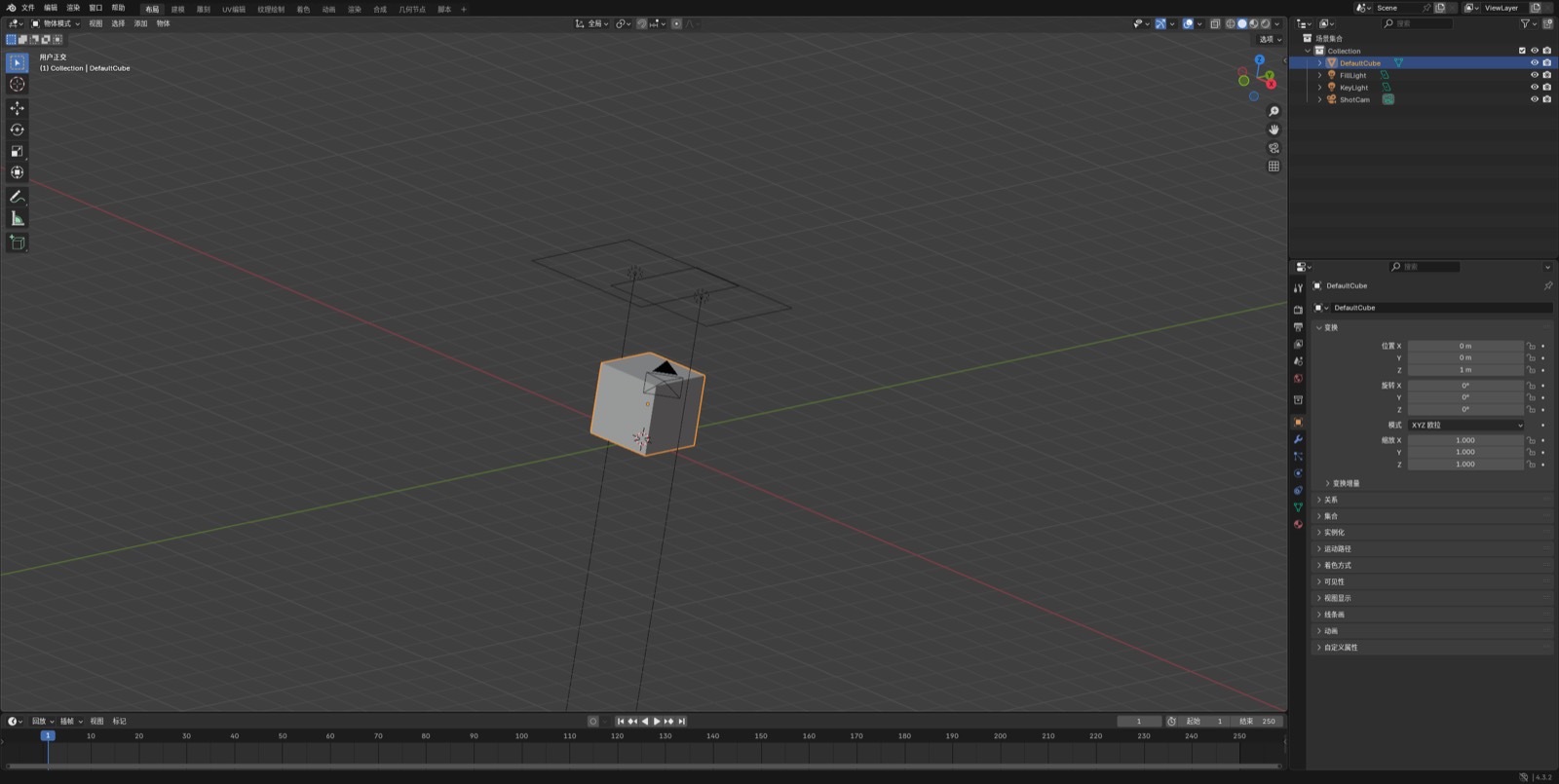
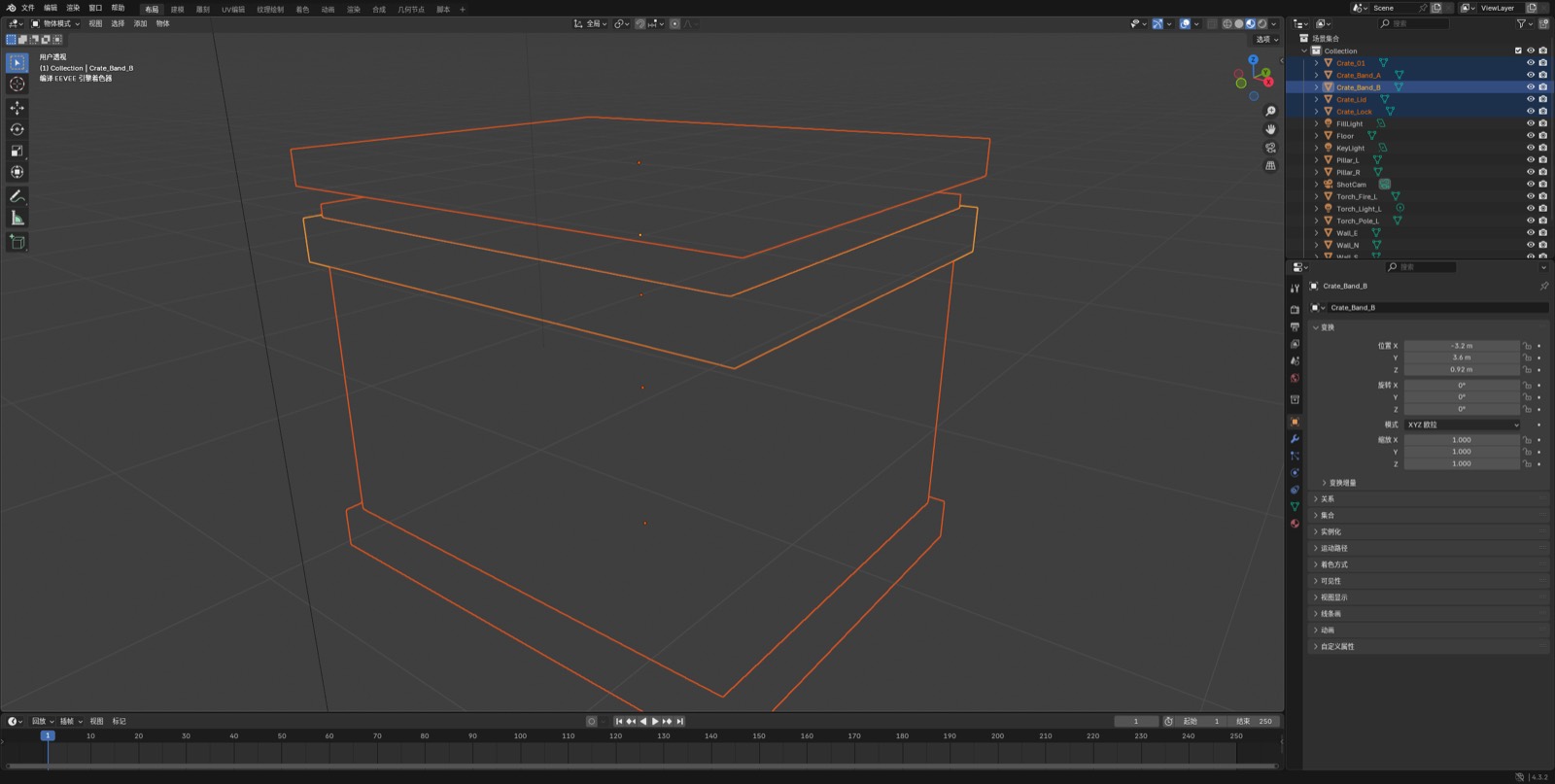
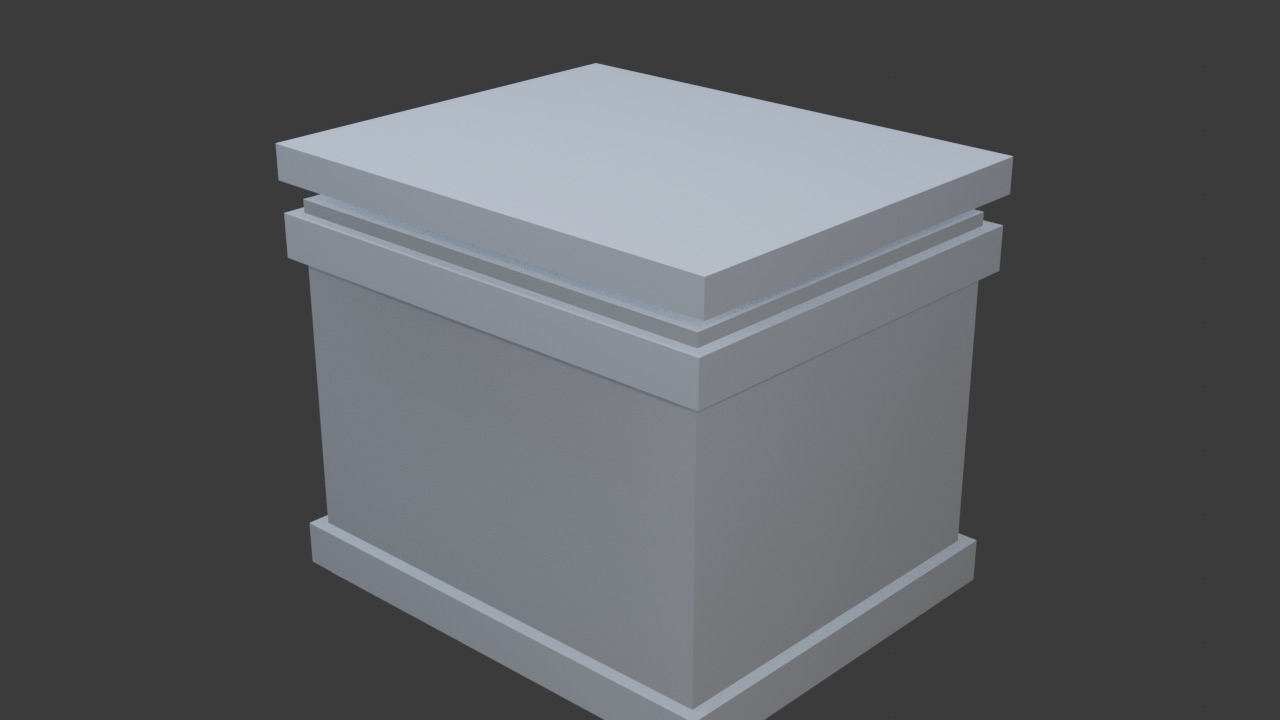
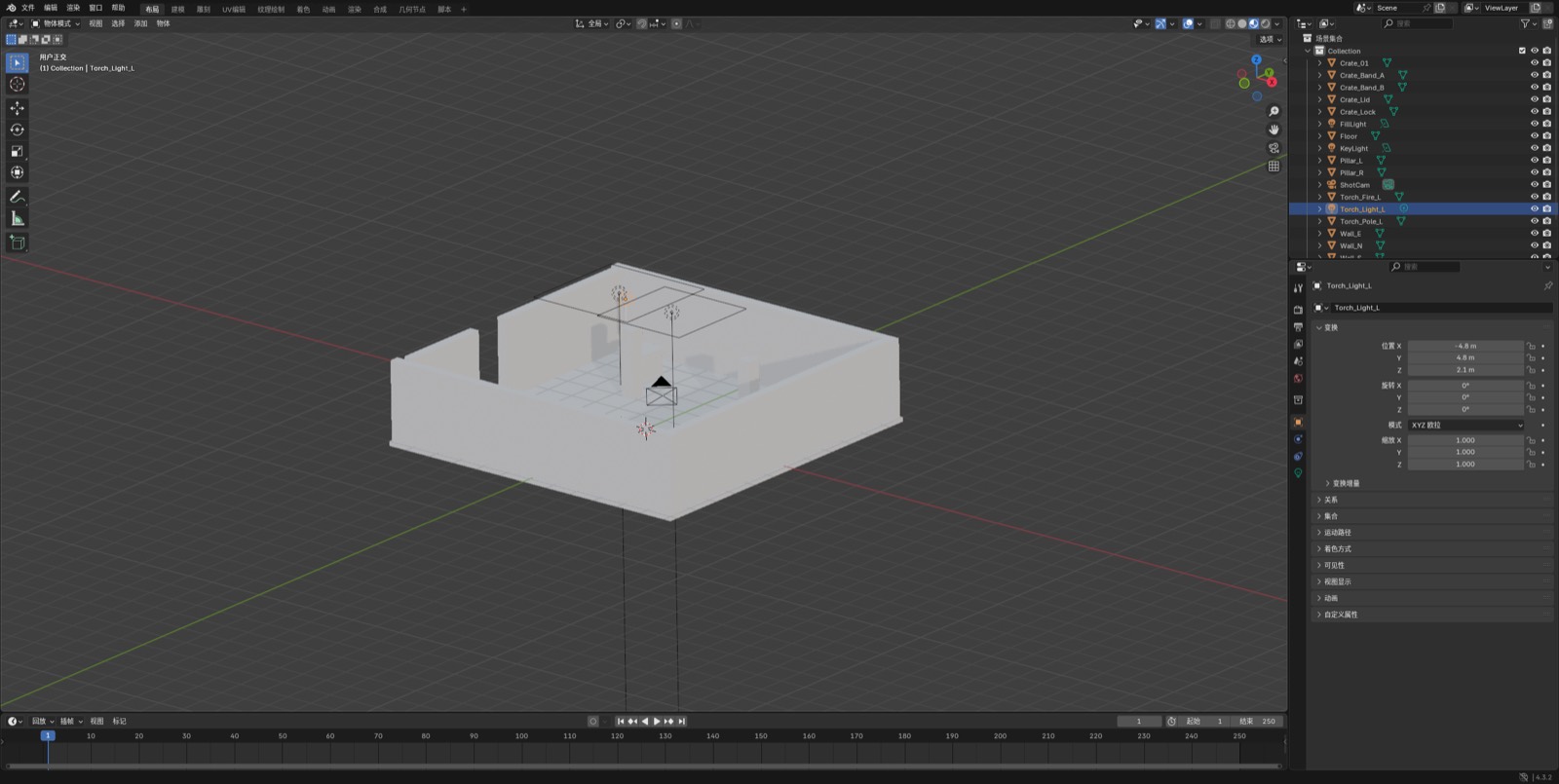
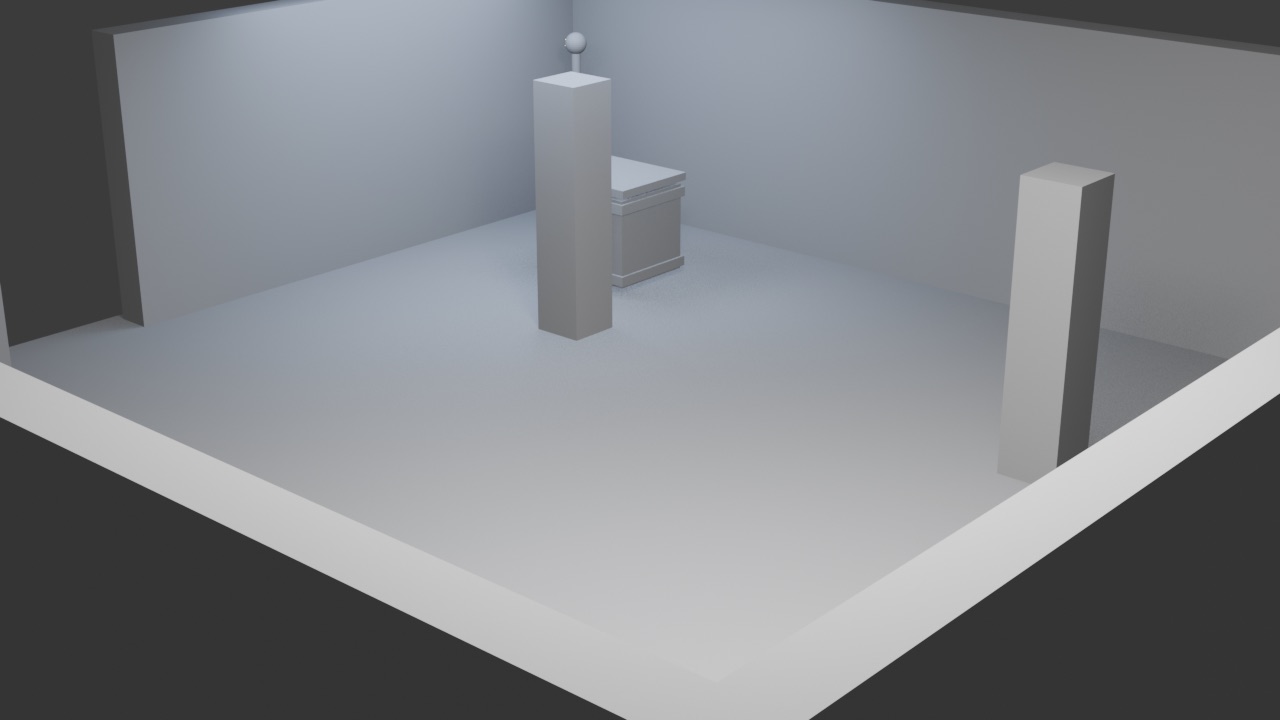
Ask for inspection before creation. A useful first message:
List every object in the current Blender scene with name, type, location, and polygon count.
Do not create or delete anything yet.
Then a bounded edit:
Create a low-poly crate named Crate_01 at (0, 0, 0.5).
Use a cube, inset the faces, add a wood-colored principled material.
Do not download Poly Haven assets. Save the file when done.
Then freeze the result as a script you can rerun headless:
Write the crate setup as a single Blender Python script I can run with:
blender -b crate.blend -P make_crate.py -- --out crate.glb
Blender’s own background mode is documented in the command-line arguments manual. -b is background. -P / --python runs a script. --python-expr runs an expression. A game-export job looks like this:
blender -b props.blend --factory-startup -P export_gltf.py -- --out ./public/models/crate.glb
# export_gltf.py
import bpy, sys
out = sys.argv[sys.argv.index('--') + 1]
bpy.ops.export_scene.gltf(filepath=out, export_format='GLB', export_apply=True)
print('exported', out)
That file can feed a Three.js or HTML5 loader. InstantGames games stay 2D Canvas today; the same glTF is still the right hand-off if you later add a 3D prop or a WebGL skin.
This page cannot start your copy of Blender. It can walk the same checklist an agent should follow: inspect → create one named object → export. Tick a step when you have done it locally. The fake viewport only mirrors the object list so you can see the intended result.
Waiting. In real Blender, start with an inspect-only prompt.
$ blender -b props.blend
# MCP socket not started in this demo
Use MCP while you are exploring. Use the CLI when the steps are known. Do not let the agent call execute_blender_code on an unsaved file. The project README is explicit: that tool runs arbitrary Python inside Blender and can destroy the scene.
Leaving Poly Haven, Sketchfab, or Hyper3D keys on by default, or running MCP and a second uvx process at once. Another frequent break: the agent creates unnamed cubes until the outliner is unreadable. Always demand a name prefix.
A 2D Canvas game still needs icons, props, and sometimes a glTF for a WebGL mode. The useful agent loop here is: block out in Blender → export GLB → drop into /games/…/assets. Do not ask the agent to “make the whole HTML5 game in Blender.” Game rules stay in JavaScript, as in the Snake project.
Compatibility: blender-mcp lists Blender 3.0+ and Python 3.10+. Official CLI flags are in the Blender 5.2 LTS manual. Updated 2026-08-13. The stills above were captured from Blender 4.3.2 on this machine after enabling the local blender_mcp addon and starting its socket on port 9876. This browser tab still cannot drive your copy of Blender.
Sources: ahujasid/blender-mcp, blendermcp.org, Blender CLI arguments.